 RoboPioneer
Connecting appointments, staff and checkout in a small shop
What beauty-shop and pet-service owners should look for in a connected business workspace.
Follow one appointment all the way through
For a salon, beauty shop or pet-service shop, a booking is the start of a longer workflow. Someone chooses a service and time, the team prepares, the customer arrives, the service is completed and the visit is settled. Map these steps before choosing software. Note where staff currently copy details, check another calendar or ask the owner for information.
Match the workspace to the role
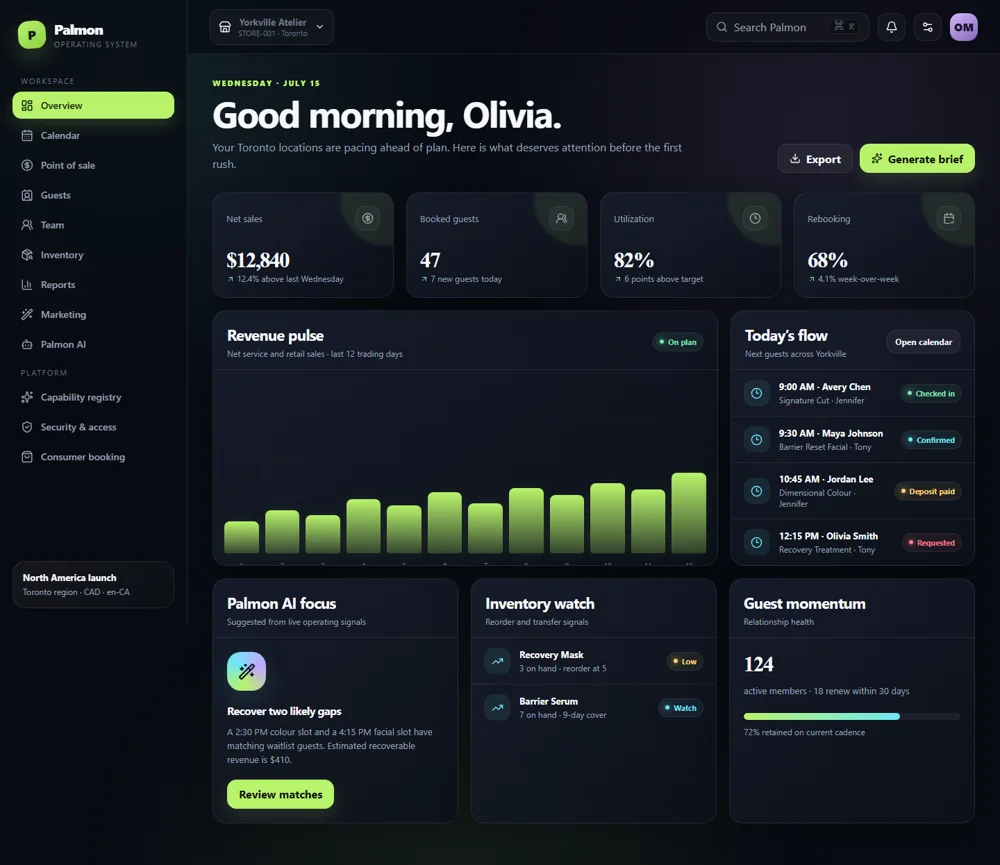
Owners need an overview of the business; front-desk staff need today’s schedule and changes; service professionals need their own appointments and relevant notes. Palm On separates business, staff, central-management and consumer experiences around these needs. When assessing a demonstration, ask each role to find its next task without navigating through another role’s controls.
Connect retail and service work
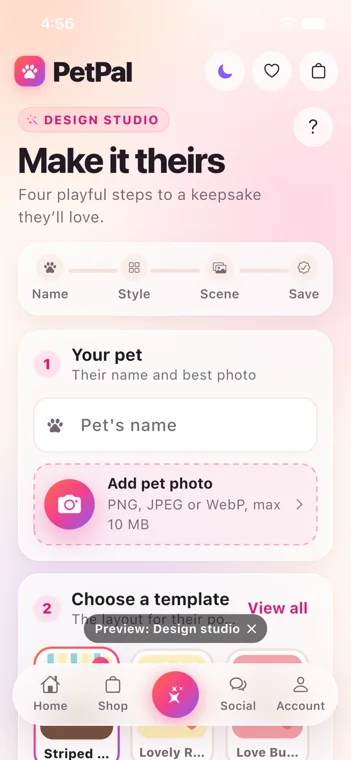
A shop may sell products alongside appointments. The service record, checkout, stock movement and customer history should stay understandable together. For a pet-service business, confirm how the implementation will represent the pet, owner and service requirements. Treat these business-specific details as part of workflow discovery rather than assuming every appointment system models them the same way.
Start with a realistic day
Test a normal booking, a reschedule, a staff change, a product sale and a closeout using sample records. Look for a clear status after every action. Discuss payment, messaging and accounting connections in the project scope so the finished setup reflects how your shop actually operates. A focused daily workflow makes a stronger starting point than a long feature checklist.