 RoboPioneer
From a photo strip to a personalized gift
Plan a small photo story, style it clearly and review how it will appear on a product.
Give the strip a simple idea
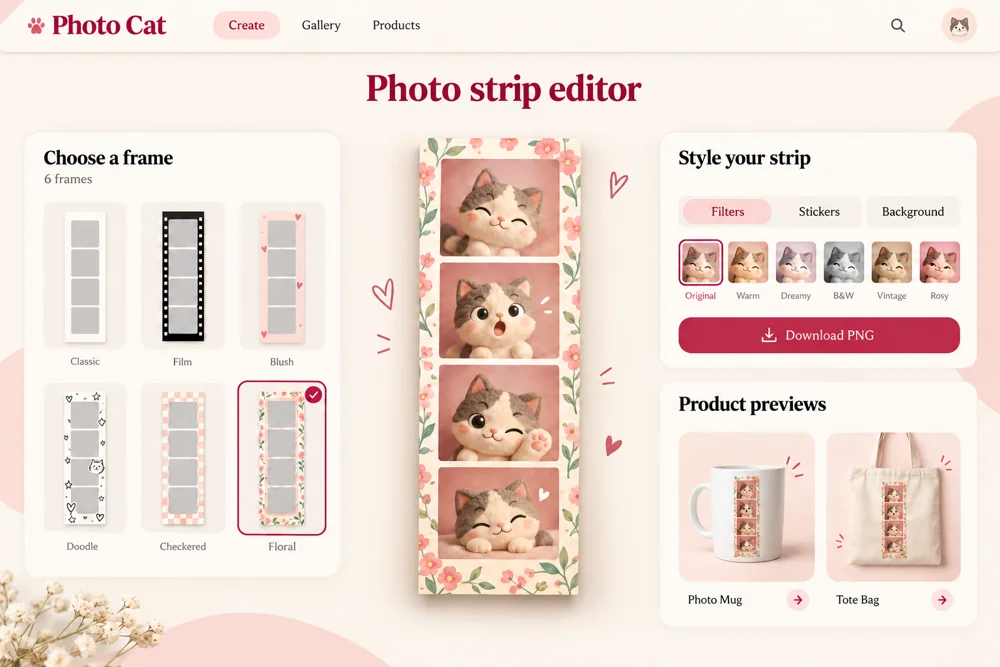
A sequence of expressions, a shared joke or a small celebration can give a photo strip coherence. Choose a few moments that belong together rather than filling every slot with unrelated images. PhotoCat brings capture, frames, filters and stickers into a browser-based creative workflow.
Let the photos remain the focus
A frame and a few decorative details can support the sequence. Review the strip at the size someone will actually see it, especially if it will be shared on a phone or placed on a smaller product. Check whether important faces or details are lost behind a border or decoration.
Inspect the product preview
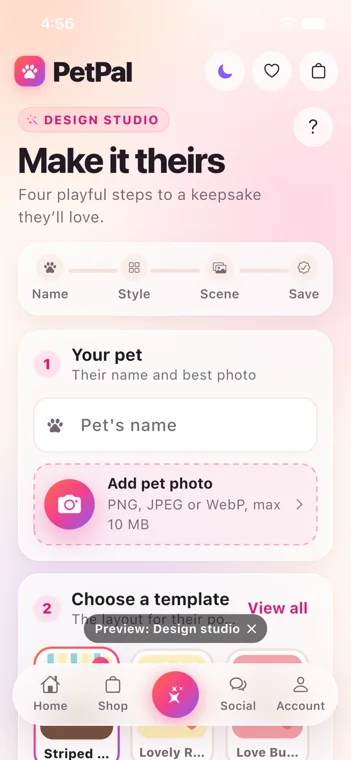
A strip that looks good on screen may occupy a different shape or scale on a mug, shirt or tote. Review placement, crop and contrast in the available product preview. PetPal applies a related creative-to-product workflow to pet portraits and personalized gifts, with the subject guiding the design choices.
Keep a version you can revisit
Save the finished design and review the available output and ordering options. For a gift, think about the recipient’s preference as well as the original occasion. A clear creative workflow connects the personal moment, the design and the final choice without making the customer rebuild the idea at each step.