 RoboPioneer
Designing mobile workflows that handle interrupted connectivity
Make local saves, pending changes and synchronization understandable to the people doing the work.
Name the work that must continue
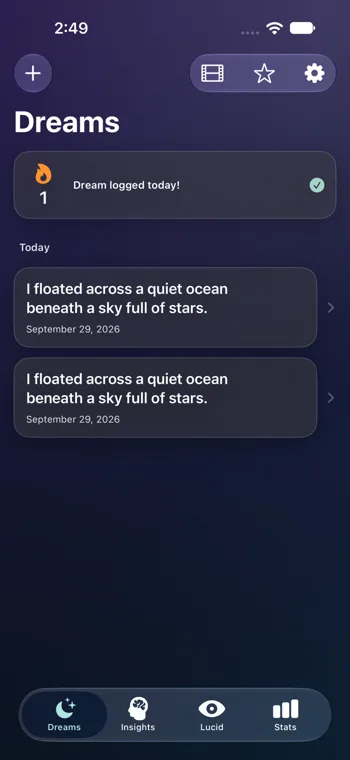
Identify which tasks need to remain available when a connection is unreliable. A vessel crew recording work and a person capturing a dream have different needs, but both benefit from knowing whether an entry has been saved. Start with these concrete moments before deciding how much of the application should be available offline.
Separate saved from synchronized
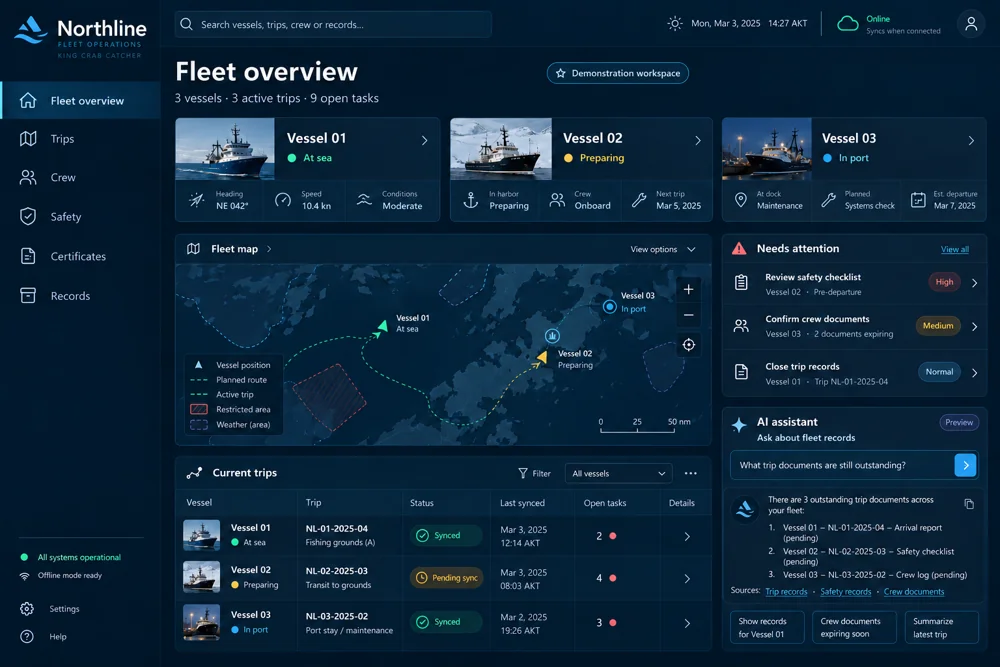
A local save and a shared-system confirmation are different events. The interface should communicate both without making the user understand the implementation. Show pending work and provide a useful recovery path if synchronization fails. Northline’s offshore context makes this distinction especially important for coordination between crews and shore teams.
Plan for conflicting changes
Ask what happens if two people update related information before either device reconnects. The answer depends on the workflow. Some changes may need review; others may be independent entries. Design how the person will see and resolve the situation, and retain enough context to understand the record afterwards.
Test interruption as a normal scenario
During a prototype review, interrupt the connection, create an entry, close and reopen the app, and reconnect. Check both the device experience and the shared record. This gives teams a concrete way to evaluate continuity and recovery before adding more workflows.